Free Photoshop Alternative: 8 Best Free Photo Editors in 2026
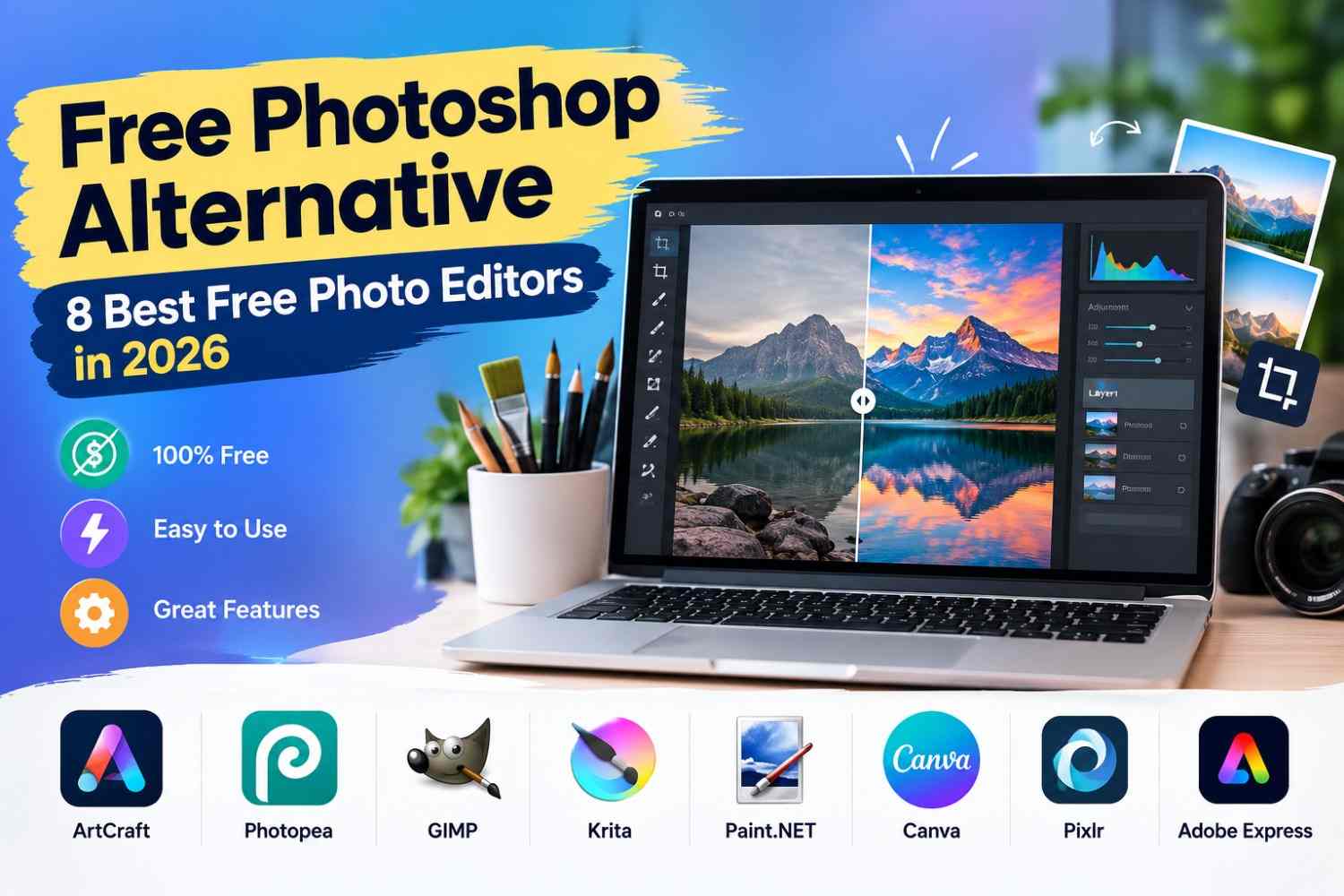
If you are looking for a Free Photoshop Alternative, you do not need to spend money on expensive software to create attractive images. Several free and accessible creative tools can help beginners, bloggers, graphic designers, and small business owners edit photos and create graphics.
Adobe Photoshop is popular for its advanced features, but its subscription may not fit everyone's budget. In this guide, we will explore eight alternatives, starting with ArtCraft, an easy option for users who want a straightforward creative experience.
Watch the Video Tutorial
Watch the Free Photoshop Alternative video on YouTube
1. ArtCraft – An Easy Free Photoshop Alternative
ArtCraft is worth exploring if you want an accessible creative tool without the complexity of professional editing software. Its suitability depends on the specific editing features you need.

Best for: Beginners and users looking for a simple creative workflow.
Visit: Get ArtCraft
2. Photopea
Photopea is an online image-editing tool that offers a familiar layout and many features similar to Adobe Photoshop. It supports PSD files, layers, masks, and various image formats, making it useful for editing images without installing desktop software.

Ideal for: Editing images online and modifying Photoshop PSD documents without installing software.
Visit: Photopea
3. GIMP
GIMP is a free, open-source image editor available for Windows, macOS, and Linux. It offers tools for photo retouching, color correction, image composition, and graphic creation.

Ideal for: Detailed image manipulation and professional editing without recurring software costs.
Visit: GIMP
4. Krita
Krita is a free digital painting application designed primarily for artists and illustrators. Its customizable brushes, layers, and drawing tools make it a strong choice for creating original artwork.

Ideal for: Creating digital artwork, drawing illustrations, and designing comics.
Visit: Krita
5. Paint.NET
Paint.NET is a Windows image editor that offers layers, effects, and basic photo adjustments through a straightforward interface. Its traditional desktop version is available free of charge.

Best for: Windows users who need simple photo-editing tools.
Visit: Paint.NET
6. Canva
Canva helps users create social media graphics, promotional images, presentations, and marketing materials. Its ready-made layouts and simple drag-and-drop features help newcomers create designs quickly and easily.

Some advanced features require a paid plan.
Best for: Bloggers, marketers, and small businesses.
Visit: Canva
7. Pixlr
Pixlr is an online photo editor for quick image adjustments, creative effects, and everyday editing. It runs directly in your web browser, so there’s no need to download or install desktop applications.

Free features and usage limits may vary.
Best for: Quick online photo editing.
Visit: Pixlr
8. Adobe Express
Adobe Express provides templates and accessible tools for creating social media content, promotional graphics, and simple visual designs. It offers a free plan, although some features and assets require payment.

Best for: Beginners and businesses creating marketing materials.
Visit: Adobe Express
How to Choose the Right Free Photo Editor
Choose a tool based on your project requirements:
- For an easy starting point: Explore ArtCraft.
- For PSD files: Try Photopea.
- For advanced photo manipulation: Choose GIMP.
- For digital painting: Use Krita.
- For basic Windows editing: Consider Paint.NET.
- For social media graphics: Try Canva or Adobe Express.
- For quick browser-based edits: Explore Pixlr.
Frequently Asked Questions
What is the best free Photoshop alternative?
Photopea is a useful online option for PSD editing, while GIMP offers advanced desktop editing features. ArtCraft is another option to explore if you prefer a simple creative workflow.
Can I edit PSD files without Photoshop?
Yes. Photopea supports PSD files and lets you edit many Photoshop projects directly in your browser.
Is GIMP completely free?
Yes. GIMP is free, open-source software that can be used for personal and commercial projects subject to its license terms.
Are free Photoshop alternatives suitable for professional work?
Yes. Several free editors can handle professional tasks, depending on the project's requirements, file compatibility, and the user's editing skills.
Conclusion
The best Free Photoshop Alternative depends on your needs and experience. ArtCraft is worth exploring for an accessible creative workflow, Photopea is useful for online editing, and GIMP offers powerful desktop tools. Krita is ideal for illustration, while Canva and Adobe Express simplify graphic design.
Try the tool that best matches your workflow, check its available features, and create quality visuals without immediately committing to an expensive subscription.